AP Executive
Invoice sorting, entry and matching — automated.
How it works
One inbox for every invoice. Forwarded emails, uploaded PDFs, supplier portal exports — all land in the same place, organized by vendor and date.
The AI reads every invoice — any format, any supplier — and extracts vendor, amounts, line items, dates, and payment terms. Accuracy improves as the model learns each supplier's format.
PO, goods received note or delivery order, and invoice matched line by line — quantities and prices checked against your rate master. No PO on file? VAL matches the invoice against the supplier's statement of account instead. Duplicates caught either way.
Once approved, an invoice with no PO generates GL entries directly — expense allocations, AP accruals, payment files. An invoice matched to a PO is posted into your ERP against that PO, so it closes out correctly.
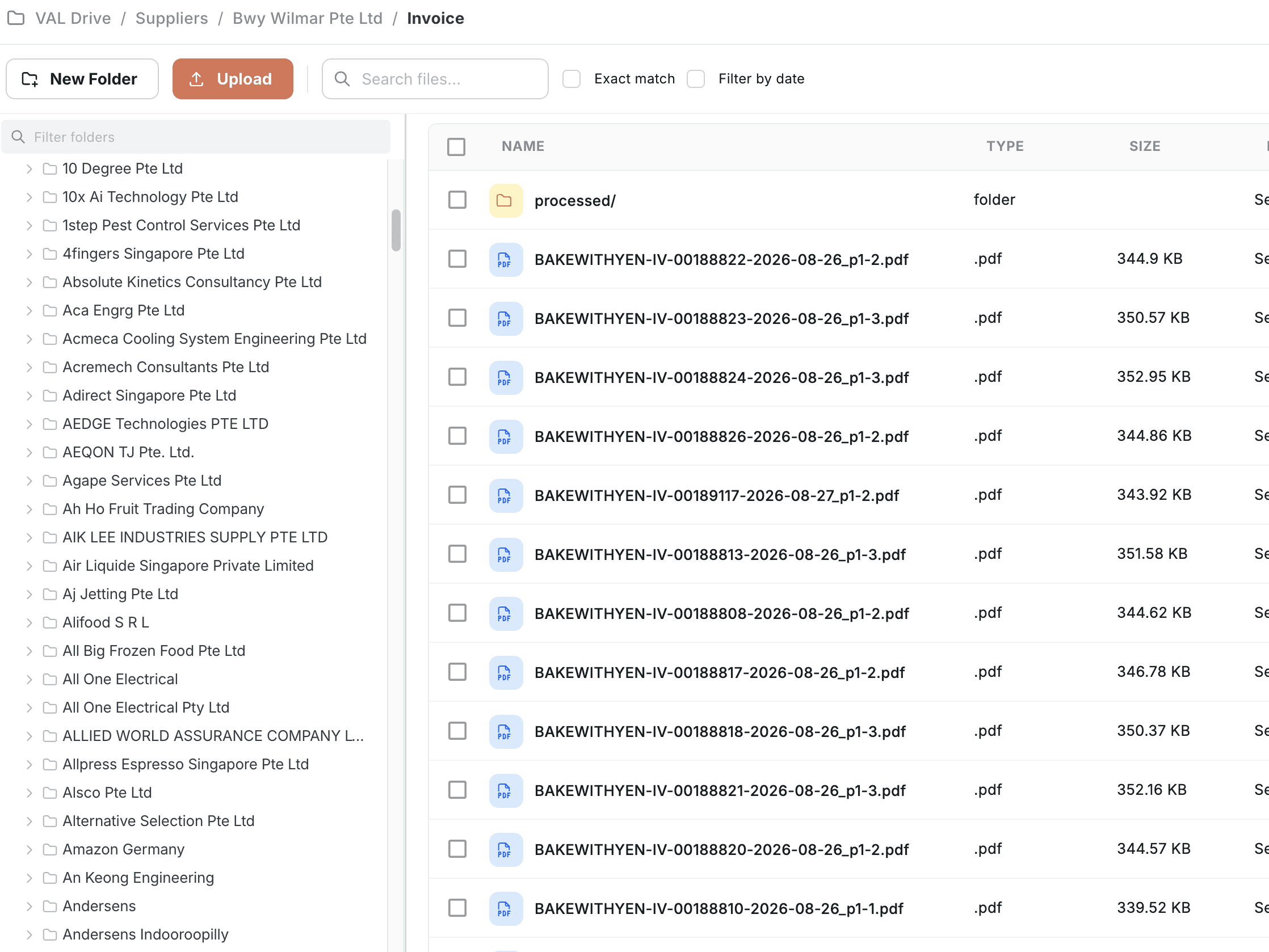
One inbox, every source
Email forwarding, PDF upload, or portal integration — invoices land in the same place either way.
Know exactly what you're paying and why
Every invoice verified before payment. Every approval and payment file logged — if someone asks why you paid something, you can answer in one click.
Add outlets without adding AP headcount
Invoice volume doesn't scale with outlet count. VAL handles the volume; your team handles the exceptions — 10 outlets to 50, same team.
What you'd pay for this any other way
Invoice processing doesn't scale by adding clerks to the pile — it scales by never letting a pile form.
Manual processing
Documents sorted and keyed in by hand, then checked against the PO — a duplicate or an overcharge is caught only if someone happens to notice.
- —Every document sorted and keyed in by hand
- —Every invoice matched to the PO manually, one at a time
- —Manual work means month-end close takes 15+ days
80% less manual work
VAL checks every invoice against the PO and delivery automatically — your team reviews the exceptions, not every invoice.
- —Every invoice checked the same way, every time
- —Every duplicate and overcharge caught before payment
- —Source document attached, GL entry generated automatically