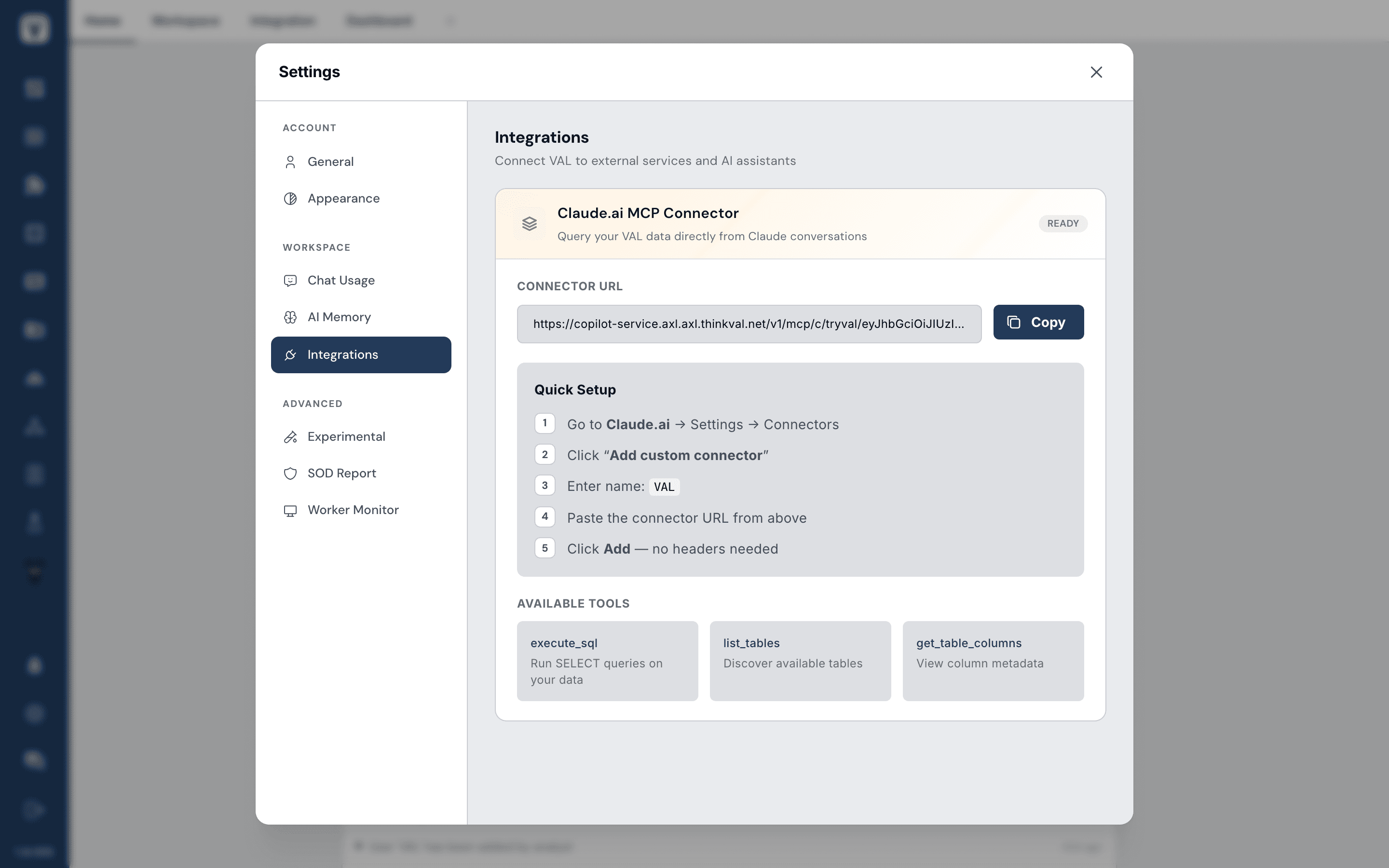
If you use Claude (Pro or Team), you can connect it straight to your VAL data — then ask Claude about your business without leaving it.
Two steps, about two minutes:
- In VAL: open Settings → Integrations, find the Claude.ai MCP Connector, and click Copy on the Connector URL.
- In Claude: go to Settings → Connectors → Add custom connector, give it a name, paste the URL, and click Add.
Then open a new Claude chat, check the connector is toggled on under the + menu, and try:
"What were my top 5 outlets last month?"
Tip: the connector URL contains a token that can expire — if Claude stops connecting, copy a fresh URL from VAL and re-add it.
Want help getting connected? Reply to any of our emails with "walkthrough" and we'll walk you through it.